
How Can We Help?
myCybertelPBX WebRTC Setup
What is WebRTC
WebRTC (Web Real-Time Communications) is an open-source technology that enables real-time voice, text, and video communication between web browsers and telecom hardware.
Cybertel’s myCybertelPBX WebRTC allows users to operate their hardware desktop phone through an app or web browser on their desktop PC or mobile device.
Install WebRTC
1. Login. Go to: https://my.cybertelpbx.com.au/webrtc in your internet browser. We recommend Microsoft Edge to access and install the WebRTC app.
This login window will appear.
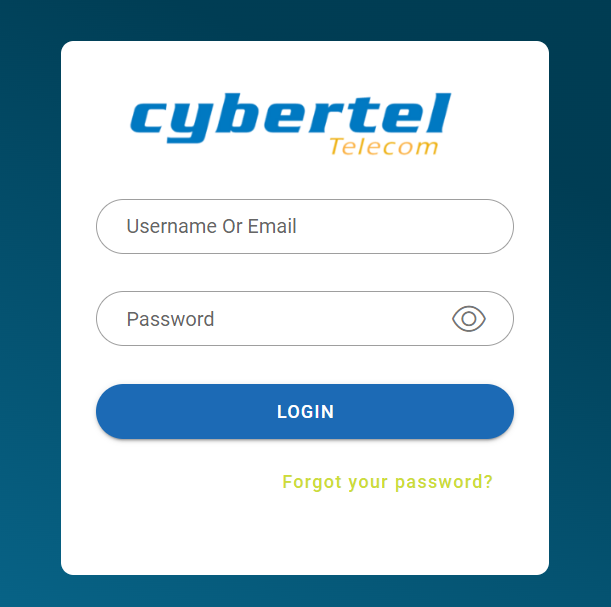
Enter your Username and Password for your PBX Extension, as provided by Cybertel.

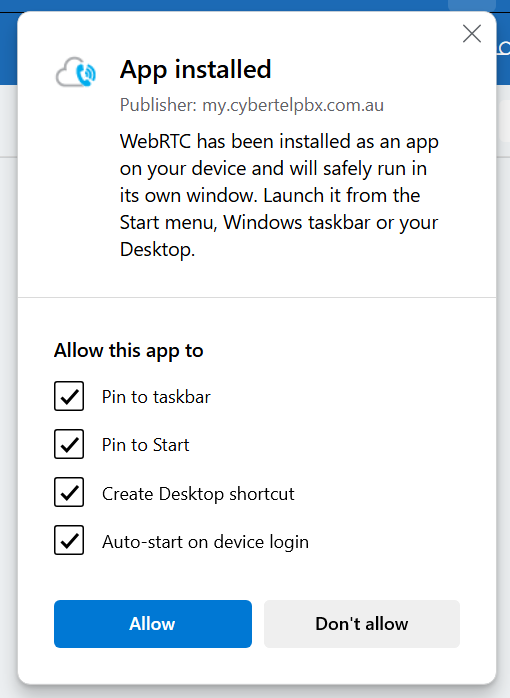
This window will appear.

Click “Install“.
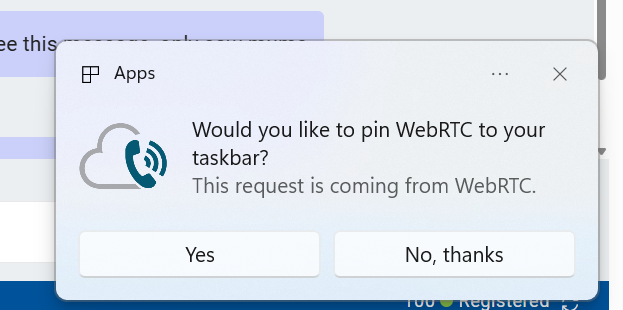
5. Once inside the app, please click the three horizontal dots in the very top menu bar.