
Your Business Phone
Anywhere
Cybertel’s softphone solutions - myCybertelPBX WebRTC for desktop and Vital Connect for mobile - put your business phone wherever you work. Make and receive calls using your business number from your PC, Mac, laptop or smartphone across Windows, macOS, iOS and Android. Go completely hardware-free with WebRTC, add a professional headset, or combine softphones with desk phones for a flexible communications setup that works anywhere.
Never Miss a Call
Wherever You Work
With myCybertelPBX WebRTC and Vital Connect, your business number goes wherever you do. Make and receive calls from your desktop, laptop or smartphone while accessing powerful PBX features including video calling, messaging, conferencing, presence and more.
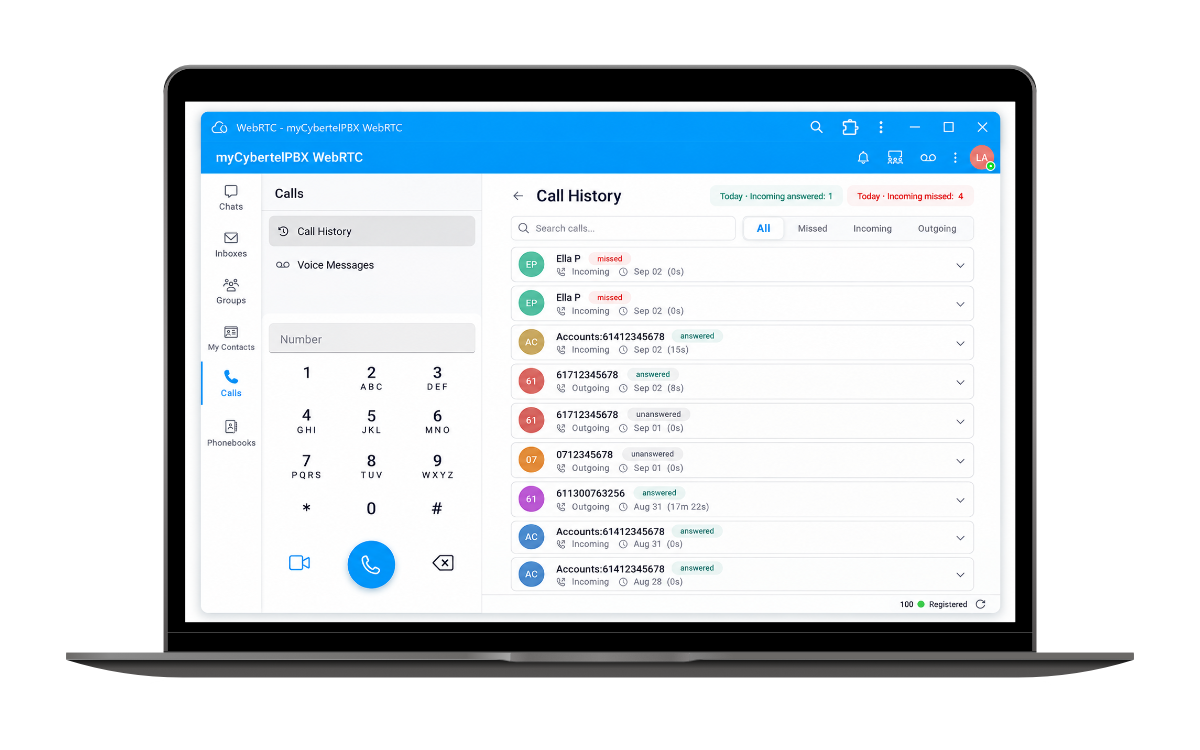
Stay connected to your business, your team and your customers, from virtually anywhere.
Your Business Phone
in Your Pocket
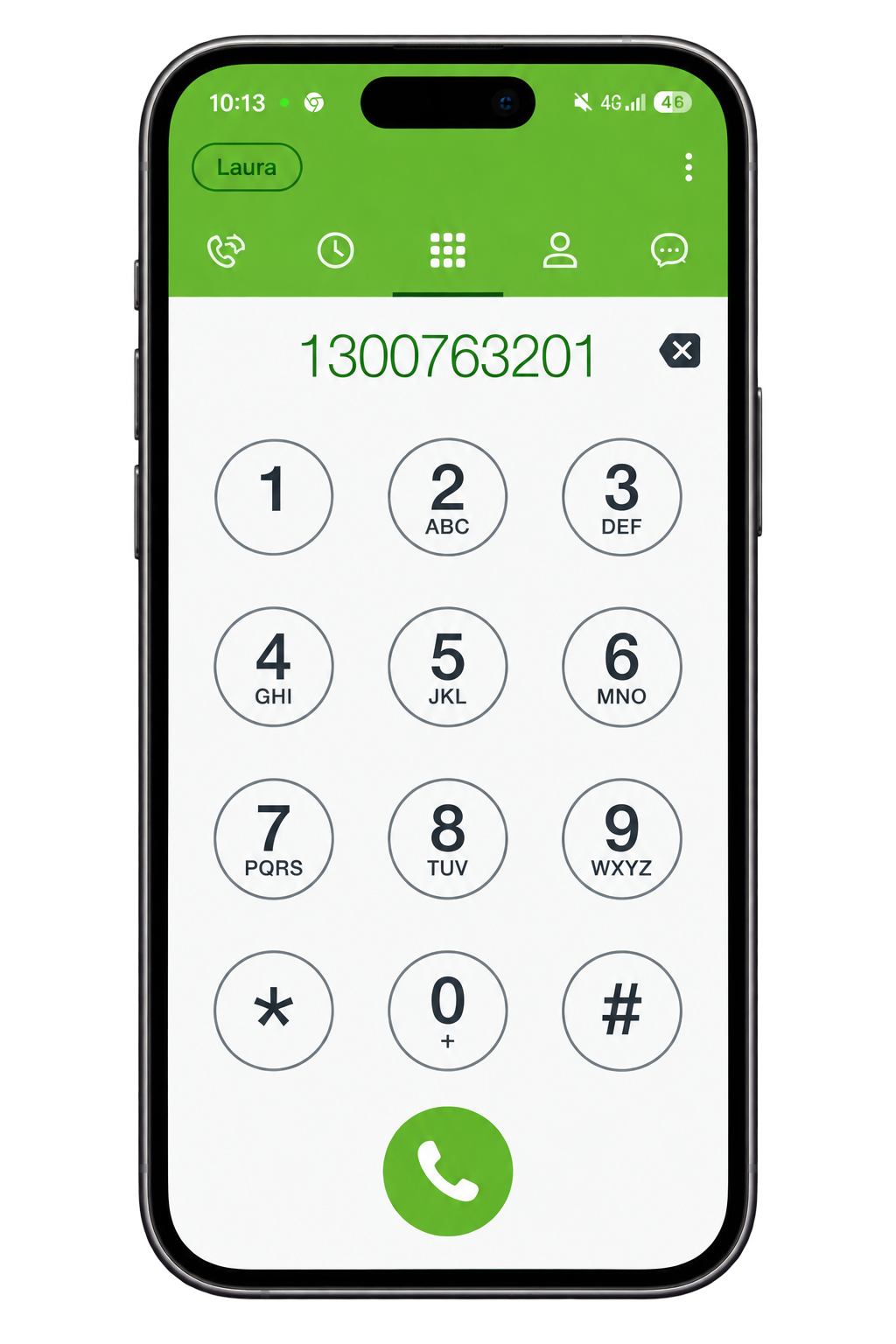
With the myCybertelPBX Vital Connect mobile app, your business number goes wherever you do. Make and receive business calls from your smartphone while staying connected to your office, team and customers—whether you’re working remotely, travelling or simply away from your desk.
Discover some of the powerful features that keep you connected:
- Setup in Seconds
- Presence
- Instant Messaging
- One Business Number
- Full PBX functionality
- Reduce or eliminate equipment costs
Set up Vital Connect in Seconds
with a QR Code
Getting started with the myCybertelPBX Vital Connect mobile app couldn’t be easier. We’ll send you a personalised QR code - simply scan it with your smartphone and the app automatically configures your account. No complicated settings, usernames or server details. Just scan, connect and start calling.